A Battlefield 6 hardware ban attaches the penalty to your physical machine rather than your account, which is why a new email, a reinstall, or a fresh Windows image all fail the moment you launch the game. The identifier being matched is a fingerprint assembled from firmware-level values your operating system cannot regenerate.
Battlefield 6 ships with EA Javelin, a kernel-mode anti-cheat EA built specifically for the title. Javelin requires Secure Boot and TPM 2.0 to be enabled, runs below user space, and reads identifiers that ordinary software cannot reach. This article maps what Javelin actually fingerprints, why that makes its hardware bans so durable, and where software and firmware draw the line.
Quick reference: Javelin's identity stack
| Layer | Example identifiers | Resettable from Windows? |
|---|---|---|
| Platform security | TPM 2.0 endorsement key, Secure Boot state | No — provisioned in the TPM/firmware |
| Firmware | SMBIOS UUID, motherboard serial, BIOS DMI | No — written to the board |
| Storage | Disk/SSD controller serial | No — lives in the drive |
| Network | MAC address | Sometimes (burned into the NIC) |
| OS-level | Registry machine GUID, install IDs | Yes — regenerated on reinstall |
Only the bottom row resets when you reinstall Windows. Everything above it is anchored in hardware or in a security coprocessor, and that is precisely the material Javelin leans on.
Why the TPM requirement matters
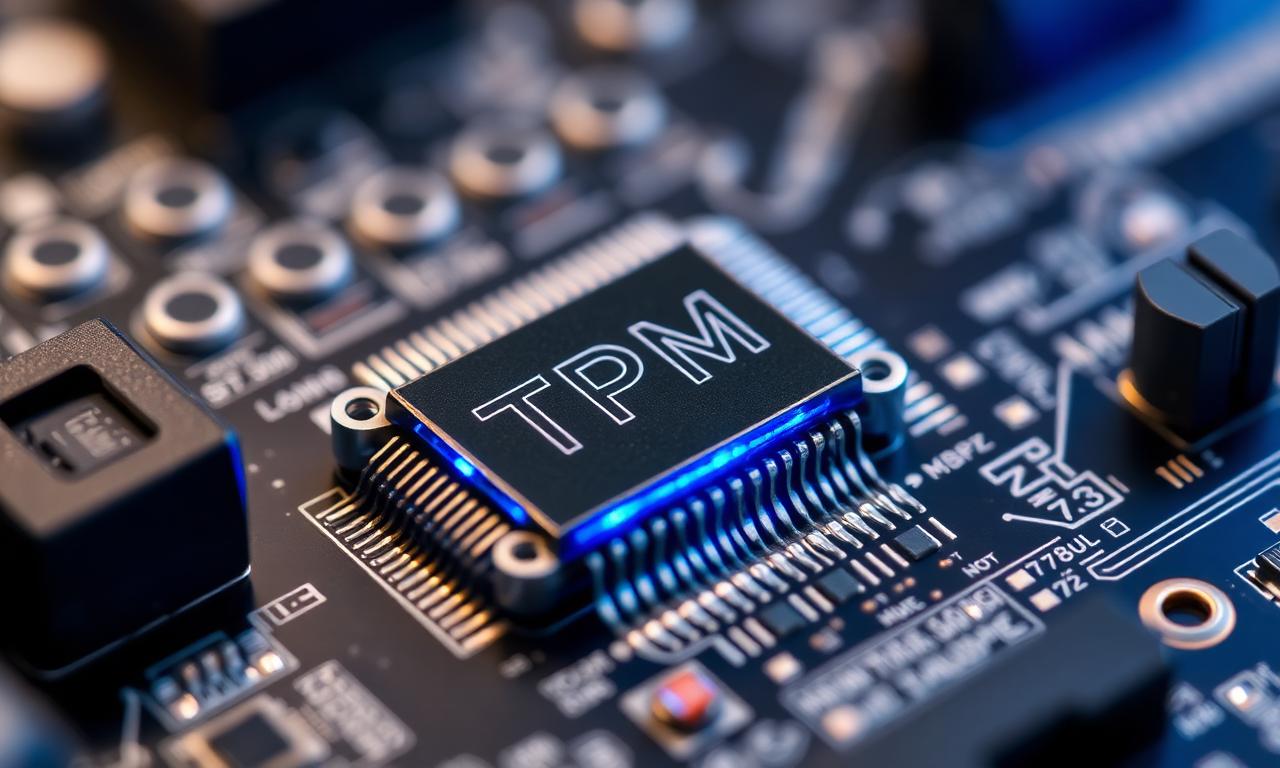
Most anti-cheats build a fingerprint from values they scrape at runtime — serials, UUIDs, MAC addresses. Javelin does that too, but the Secure Boot and TPM 2.0 mandate adds a different class of identifier. A TPM 2.0 module carries an endorsement key, a cryptographic identity provisioned at manufacture that is bound to that specific chip. It is designed to be a stable hardware root of identity, which is exactly the property a hardware ban wants.
For background on why the platform requirements exist at all, our breakdown of how to enable TPM covers what the module is and where it lives. The short version: it is not a value you edit from Windows, and a clean install does not re-provision it.
How the fingerprint survives a reinstall
This is the question that fills the EA forums. Players wipe the drive, do a clean install, make a new account — and the ban returns before their first respawn.
A reinstall regenerates the identifiers Windows owns: the registry machine GUID, the product ID, install-time values. It does nothing to the SMBIOS UUID baked into the motherboard, the controller-level serial on the disk, or the TPM's endorsement key. Javelin reads those firmware and platform values directly, so a clean OS hands it the same fingerprint it flagged before. We walk through the general case in does reinstalling Windows change your HWID — the answer for kernel anti-cheats like Javelin is no.
Where software identifiers stop and firmware begins
This is the line worth being precise about. A HWID changer rewrites identifiers that live inside Windows: the registry machine GUID, NTFS volume serials, and per-adapter MAC addresses. Those are real signals, and resetting them reduces your OS-level footprint.
What no software tool changes is firmware. SMBIOS UUID, motherboard serial, the disk's controller serial, and the TPM endorsement key are not stored in Windows — they live in the board, the drive, and the security chip. Editing them requires touching the hardware itself, not running a program. So against a kernel anti-cheat that requires TPM 2.0 and reads firmware, changing software identifiers shrinks your fingerprint but does not by itself lift a hardware ban; the firmware values it also reads are unchanged. Anyone advertising a guaranteed Battlefield 6 unban from a download is misrepresenting how Javelin works. For which physical changes actually move the fingerprint, which upgrades change your HWID is the practical guide.
FAQ
Does Battlefield 6 issue hardware bans or just account bans?
Javelin applies hardware-level flags that stick to the machine, not only the login. A confirmed hardware ban follows the PC, so new accounts created on the same hardware are re-banned on launch.
Will reinstalling Windows remove a Battlefield 6 ban?
No. A reinstall only regenerates Windows' own identifiers. The firmware and TPM values Javelin reads — SMBIOS UUID, motherboard serial, disk serial, endorsement key — are untouched, so the ban persists.
Does disabling TPM or Secure Boot get me around the ban?
No — it gets you locked out. Javelin requires both to be enabled to launch the game, so turning them off prevents Battlefield 6 from running at all rather than evading the fingerprint.
Can a HWID changer bypass Javelin?
Only partially. It resets Windows registry IDs, volume serials, and MAC addresses, but cannot alter the firmware or TPM identifiers a kernel anti-cheat like Javelin also reads. Treat it as reducing your footprint, not as a guaranteed unban.
The takeaway
Battlefield 6's hardware ban is durable by design. Javelin's Secure Boot and TPM 2.0 requirement gives it a platform-anchored identity on top of the usual firmware serials, and none of those values reset when you reinstall Windows. Software HWID changers clear the OS layer and reduce your footprint, but a TPM- and firmware-backed ban ultimately lives in the hardware. Understand which layer holds the flag before you spend anything trying to clear it.