Open the list of network adapters on a typical PC and you may find more than you expected — adapters you never installed hardware for. Most are virtual, and understanding them clears up a common confusion about MAC addresses and HWID.
Where the extra adapters come from
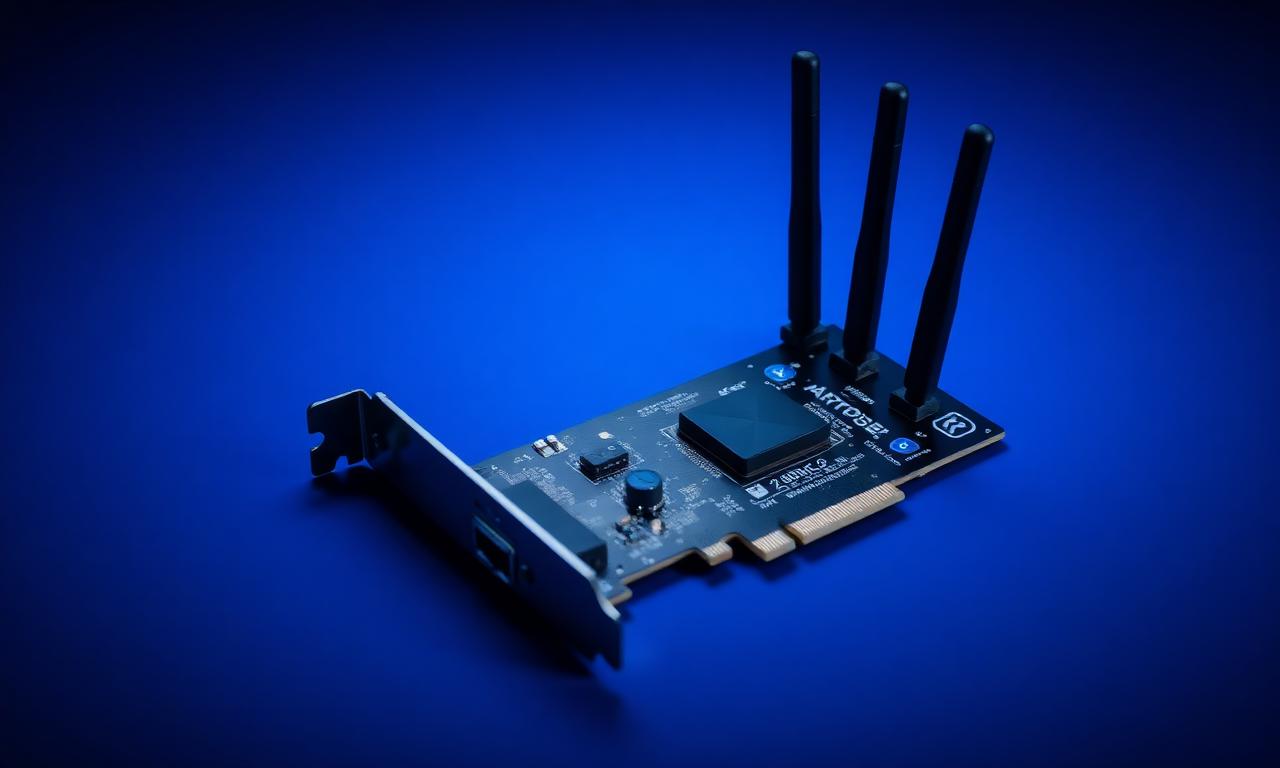
A physical network adapter is a real piece of hardware: the Ethernet port on the motherboard, the Wi-Fi card. But software creates virtual network adapters too. VPN clients install one to route traffic. Virtualization software adds adapters for its virtual machines. Tools like certain tunnelling drivers create their own. Each of these appears in the adapter list, and each has its own MAC address — even though no new hardware was added.
Why their MAC addresses are not reliable identifiers
A MAC address is interesting as an identifier because it usually belongs to a physical network card. A virtual adapter's MAC does not. It was assigned by software, it may follow a pattern tied to the software vendor, it can change when that software is reinstalled, and it disappears entirely if the software is removed. As an identifier of "this machine," a virtual adapter's MAC is unstable and not really about the hardware at all.
How systems filter them out
This is why software that builds a hardware picture — including anti-cheat and identification tools — generally distinguishes physical adapters from virtual ones and focuses on the physical. Virtual adapters are recognisable: their names and vendor identifiers point to VPN clients, virtualization platforms and tunnelling tools rather than to a network-card maker. A well-built fingerprinting or HWID system filters those out, because including them would mean tracking the software a user installed, not the machine.
The practical point
If you have ever looked at your MAC addresses and been confused by a long list, this is the explanation: most of those are virtual, created by software, and not part of your hardware identity in any meaningful sense. The MAC addresses that matter are the ones belonging to the real, physical network adapters.
The takeaway
Virtual network adapters are created by VPNs, virtualization software and similar tools, and each has its own MAC address — but those MACs are software-assigned, unstable, and not a reliable identifier of the machine. Systems that build a hardware picture filter virtual adapters out and rely on the physical ones. The extra adapters in your list are normal; they are just not your HWID.