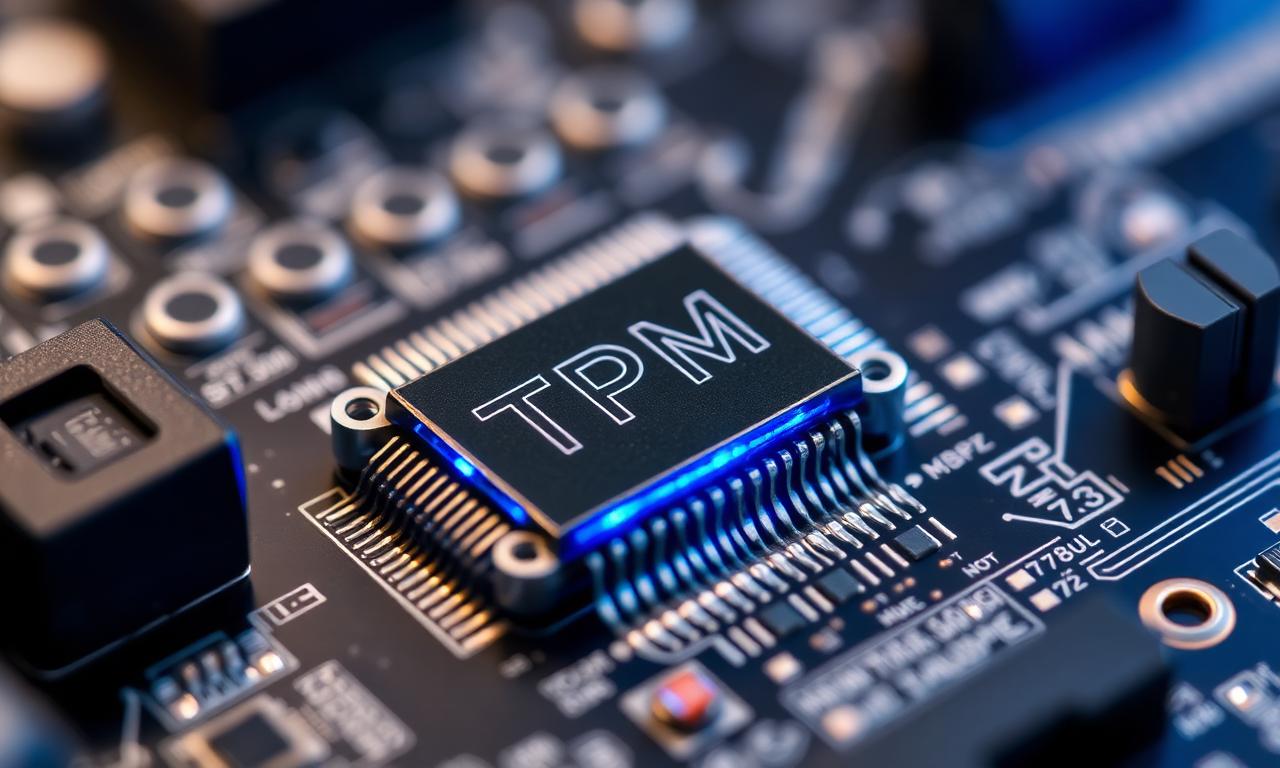
Call of Duty: Black Ops 7 won't launch on PC without TPM 2.0 and Secure Boot enabled. Activision now requires both for its Ricochet anti-cheat, and the rule is hard: if these two firmware features are off, you simply can't play — not in the beta, and not at launch. The same requirement applies to Warzone.
This is part of a clear industry shift toward firmware-level enforcement, and it ties directly to how modern hardware bans work. This guide explains why Ricochet demands these features, how to check and enable them, and what it means for your hardware fingerprint.
Quick reference: Black Ops 7 PC requirements
| Requirement | Status |
|---|---|
| TPM 2.0 | Mandatory — must be enabled |
| Secure Boot | Mandatory — must be enabled |
| Applies to | Black Ops 7 and Warzone |
| If disabled | Game will not launch |
| Windows 11 | Usually already on (OS requires them) |
Why Ricochet now requires TPM 2.0 and Secure Boot
Secure Boot ensures your PC starts without loading unauthorized or modified software, and TPM 2.0 provides a hardware root of trust that can produce a verifiable report of that boot state. Together they let Ricochet confirm the system booted clean before you connect to a match — which blocks the unsigned, modified drivers that many advanced cheats rely on.
Ricochet itself pairs this with machine-learning detection that looks for cheat-like patterns. Our Ricochet deep dive covers how the system works as a whole; the new requirement simply moves part of the defense down to the firmware layer.
How this connects to HWID bans
TPM is one of the values modern anti-cheats fold into a hardware fingerprint. By requiring a real TPM and a verified boot chain, Ricochet gets a stable, hard-to-forge anchor to identify a machine — which is exactly what makes a HWID ban stick. The TPM is soldered or built into modern platforms, so it is far harder to spoof than a software identifier. This is the same logic Battlefield 6's Javelin anti-cheat uses, and a direction the whole industry is moving in.
How to enable TPM 2.0 and Secure Boot
If Black Ops 7 refuses to start, check these first. Most Windows 11 machines already have both on, since the OS requires them, but Windows 10 systems and some custom builds may not.
- Press Windows + R, type
tpm.msc, and press Enter to see whether a TPM is present and at version 2.0. - For Secure Boot, open System Information (
msinfo32) and check the "Secure Boot State" line. - If either is off, enable it in your motherboard's UEFI/BIOS — TPM may appear as "PTT" on Intel boards or "fTPM" on AMD. Our step-by-step guides for enabling TPM 2.0 and enabling Secure Boot walk through the menus.
A note of caution: turning on Secure Boot can affect how some systems boot, especially dual-boot setups, so read the guide before flipping settings.
FAQ
Can I play Black Ops 7 without TPM 2.0?
No. TPM 2.0 and Secure Boot are both mandatory for Black Ops 7 and Warzone. The game will not launch without them.
Does enabling TPM and Secure Boot put me at risk of a ban?
No — enabling them is required to play and is what the anti-cheat expects. They are security features, not a violation.
Will I lose data by turning on Secure Boot or TPM?
Enabling them does not wipe data, but Secure Boot changes can affect boot order, and if BitLocker is active you may need your recovery key. Back up and read a guide first.
Why does Warzone need this too?
Warzone shares the Ricochet anti-cheat with Black Ops 7, so the same firmware requirements apply.
The takeaway
Black Ops 7 makes TPM 2.0 and Secure Boot non-negotiable, and that's not an arbitrary hurdle — it's a hardware root of trust that strengthens both cheat detection and the hardware fingerprint behind HWID bans. If the game won't launch, the fix is almost always enabling these two features in your UEFI. Turn them on knowingly, back up before changing firmware settings, and you'll be playing on the same secure baseline the rest of the lobby is using.