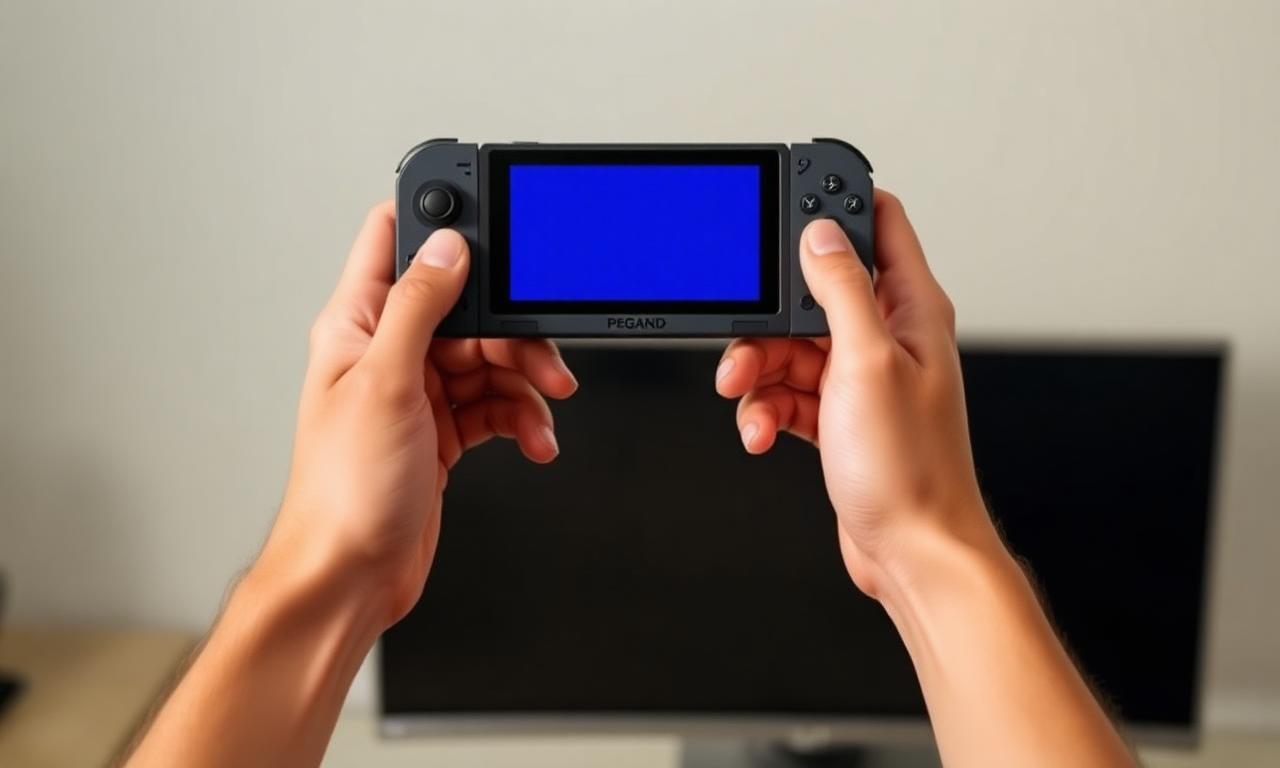
The Steam Deck is a Windows-game handheld that does not run Windows. It runs Linux — and that single fact is why anti-cheat is the deciding factor in whether an online game works on it.
Linux, not Windows
The Deck runs SteamOS, a Linux system, and plays Windows games through a compatibility layer called Proton. Proton handles most games well. The hard part is anti-cheat, because anti-cheat software is built for Windows and often runs at a level Proton cannot simply translate.
Support is per-game
The two most common anti-cheats, Easy Anti-Cheat and BattlEye, both added Linux and Proton support. But that support is a switch the game's developer has to turn on. If a developer enables it, the game's anti-cheat works on the Deck; if they do not, the same anti-cheat blocks the game from launching there. This is why two games using the identical anti-cheat can behave completely differently on a Deck.
Where it does not work
Some anti-cheats do not support Linux at all. Kernel-level systems that load at Windows boot have no equivalent on SteamOS, so games relying on them simply do not run on the Deck. For those titles, no setting on the player's side changes the outcome.
How to check before buying a game
Valve rates games for the Deck — "Verified" and "Playable" badges indicate tested compatibility, and community resources track anti-cheat status specifically. Checking that rating before buying an online game is the practical step, because anti-cheat support is decided by the developer, not the player.
The takeaway
On the Steam Deck, anti-cheat is the gatekeeper. EAC and BattlEye can work, but only when the developer opts in; kernel anti-cheats generally cannot. The honest summary: whether an online game runs on a Deck is the developer's decision, made through anti-cheat — so check the rating first.