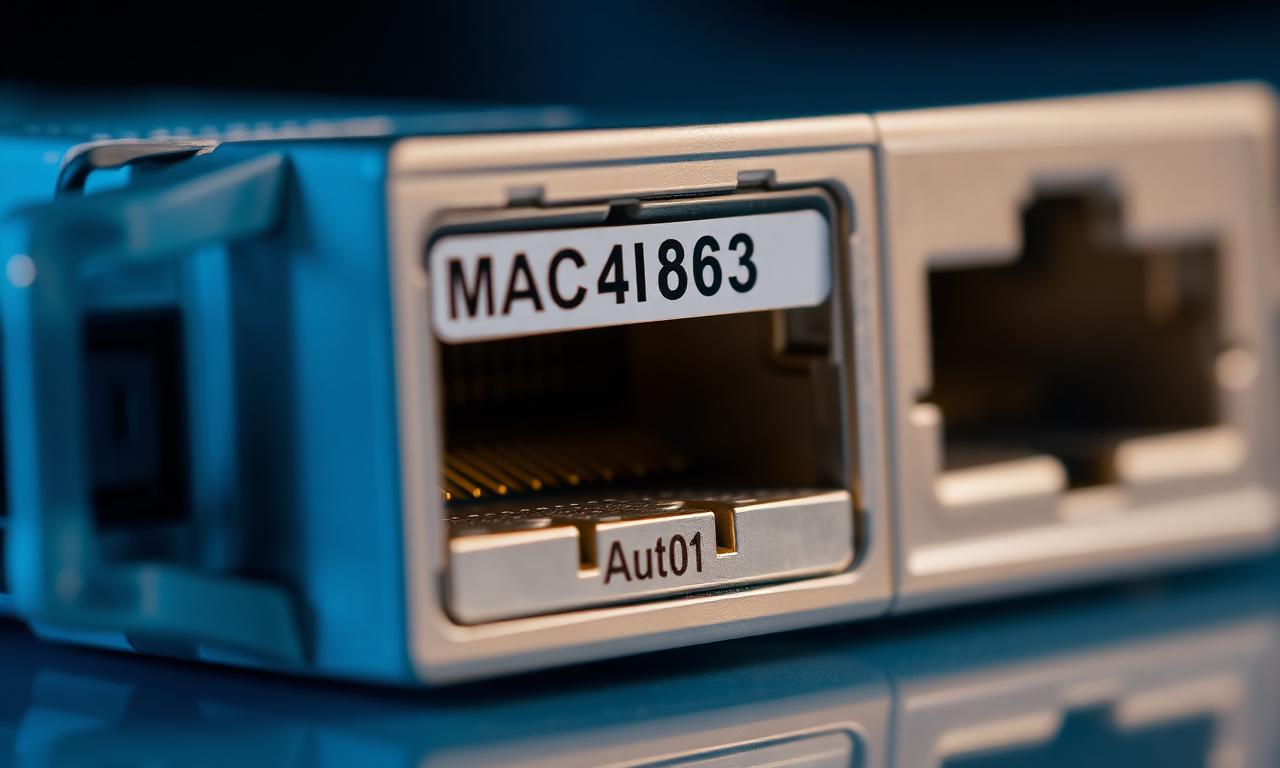
Changing a MAC address is one of the oldest hardware-identity tweaks — and one of the most misunderstood. Here are the myths worth dropping.
Myth 1: "Changing the MAC in adapter properties is enough"
At the operating-system level it works, and most software sees the new value. But the network card also holds its original MAC in its own chip. Software that reads that lower level directly can still see the real address — and some network drivers ignore a software override entirely and keep using the built-in one.
Myth 2: "A MAC is permanent and cannot be changed"
For most modern adapters that is false — the MAC the OS reports can be changed, and many cards even allow the built-in value to be rewritten with the vendor's own tools.
Myth 3: "Only the active adapter is checked"
Usually not. Fingerprinting commonly reads every adapter — including disabled Wi-Fi and Bluetooth interfaces. A MAC change has to cover all physical adapters, not just the one you are using.
Myth 4: "Virtual adapters do not count"
They do. VirtualBox, VMware, Hyper-V and Hamachi leave recognisable MAC prefixes, and a strict anti-cheat can treat a pile of virtual adapters as a red flag. Disable the ones you do not use.
Myth 5: "A fully random MAC is safest"
Not quite — a random MAC can stand out statistically. A MAC drawn from a real manufacturer's range looks far more natural, which is the approach HWIDChanger takes.