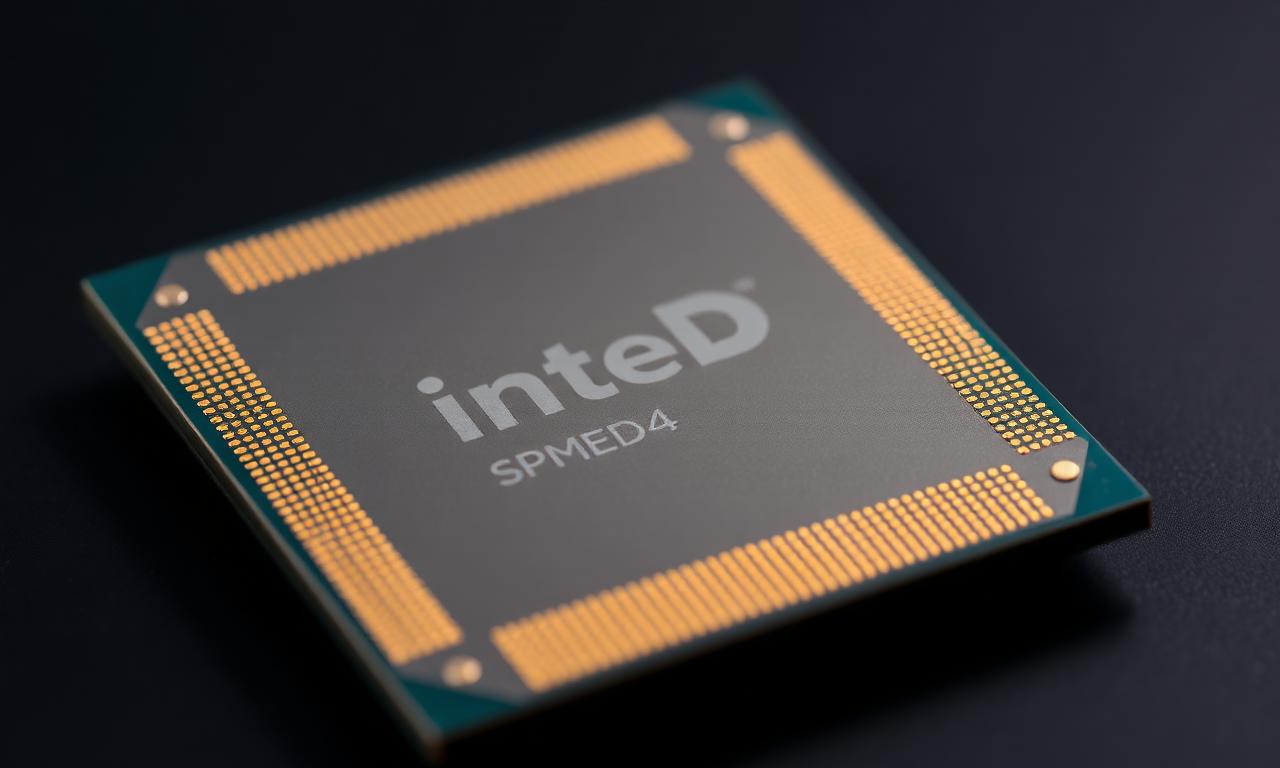
CPUID is a processor instruction that any program can call. It returns a lot of information about the CPU — the brand string, family, model, stepping, supported features, cache layout. Anti-cheats read it and fold it into the hardware fingerprint.
Is there a unique CPU serial?
Mostly, no. Older Pentium III chips carried a unique Processor Serial Number, but after a privacy backlash Intel dropped it back in the Pentium 4 era. Modern Intel and AMD CPUs do not expose a unique per-chip serial through CPUID.
So how does the CPU still narrow you down?
Even without a serial, CPUID describes your processor in detail — exact model, core count, feature flags. On a common CPU that is not very identifying. On an unusual configuration — an engineering sample, a rare model — it stands out and becomes a meaningful part of the fingerprint.
What HWIDChanger does here
HWIDChanger does not change CPUID. The CPU brand string and feature data are read-only at the hardware level, and faking them in software is risky — it can confuse drivers and games that rely on real CPU information. HWIDChanger changes the identifiers that can be changed safely — Windows IDs, the disk volume serial, MAC addresses — and leaves the CPU alone.
The takeaway
For most software and anti-cheats, the CPU is a minor part of the fingerprint. If a system specifically leans on it, the only real change is a different physical CPU — an honest limit, not a gap a safe tool can paper over.